 LatticeFree
Fill any solid with a minimal surface.
LatticeFree generates Gyroid, Schwarz P, and Diamond lattice infill inside FreeCAD — with shell, density grading, and FEM export. No booleans, no paid add-ons.
What it is
Commercial CAD packages hide TPMS infill behind expensive lattice modules. LatticeFree does it in FreeCAD, for free, with the parameters that actually matter for 3D printing and lightweight structural parts exposed and explained — not buried.
The whole pipeline is implicit: the signed-distance field of your part is combined with the TPMS field, then extracted as one watertight mesh. That stays robust even at low densities, where boolean-based approaches tend to fall apart. The calculation core carries no GUI dependency, so the same math can drive a script or a batch run.
Printed, not just simulated
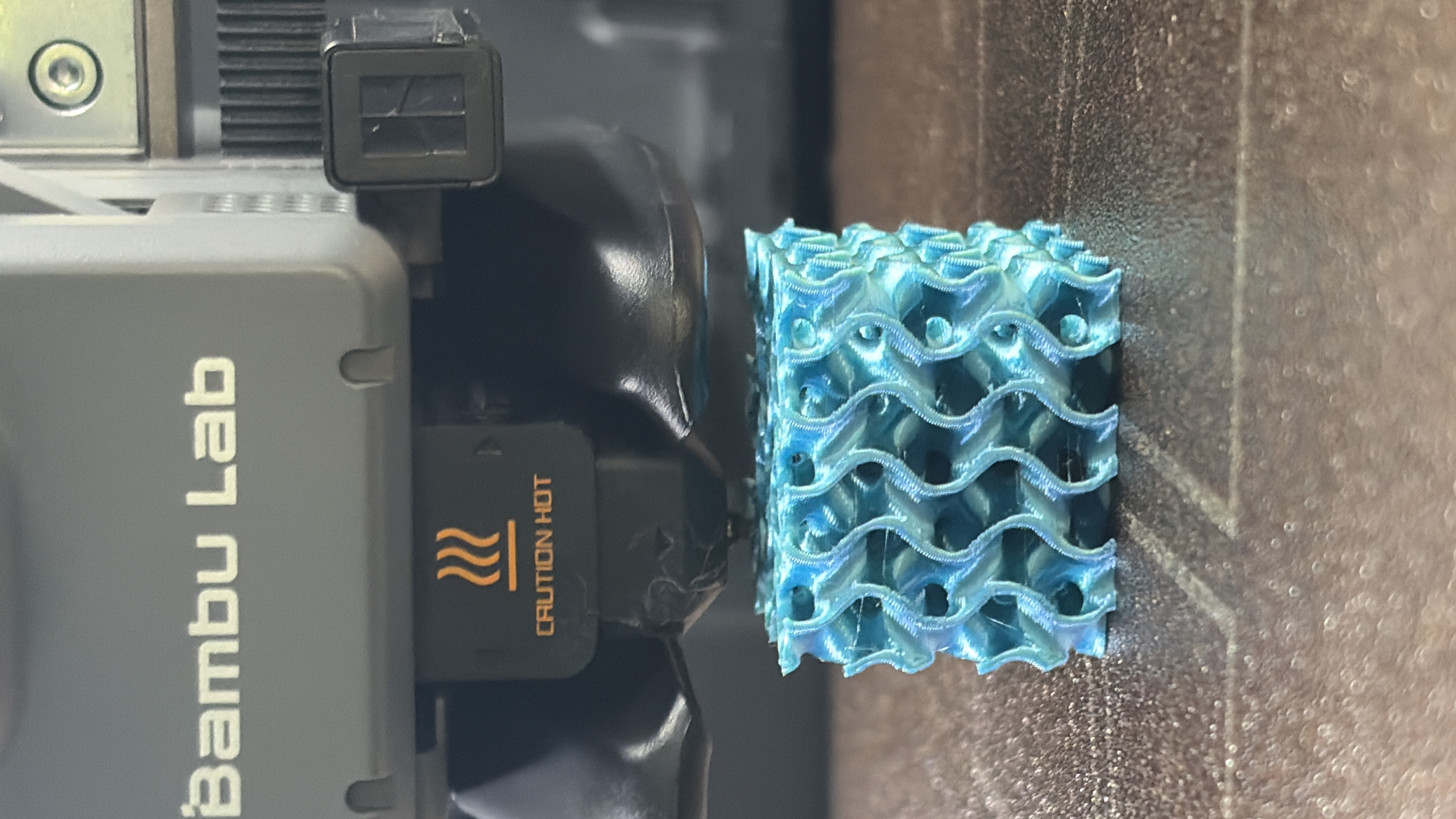
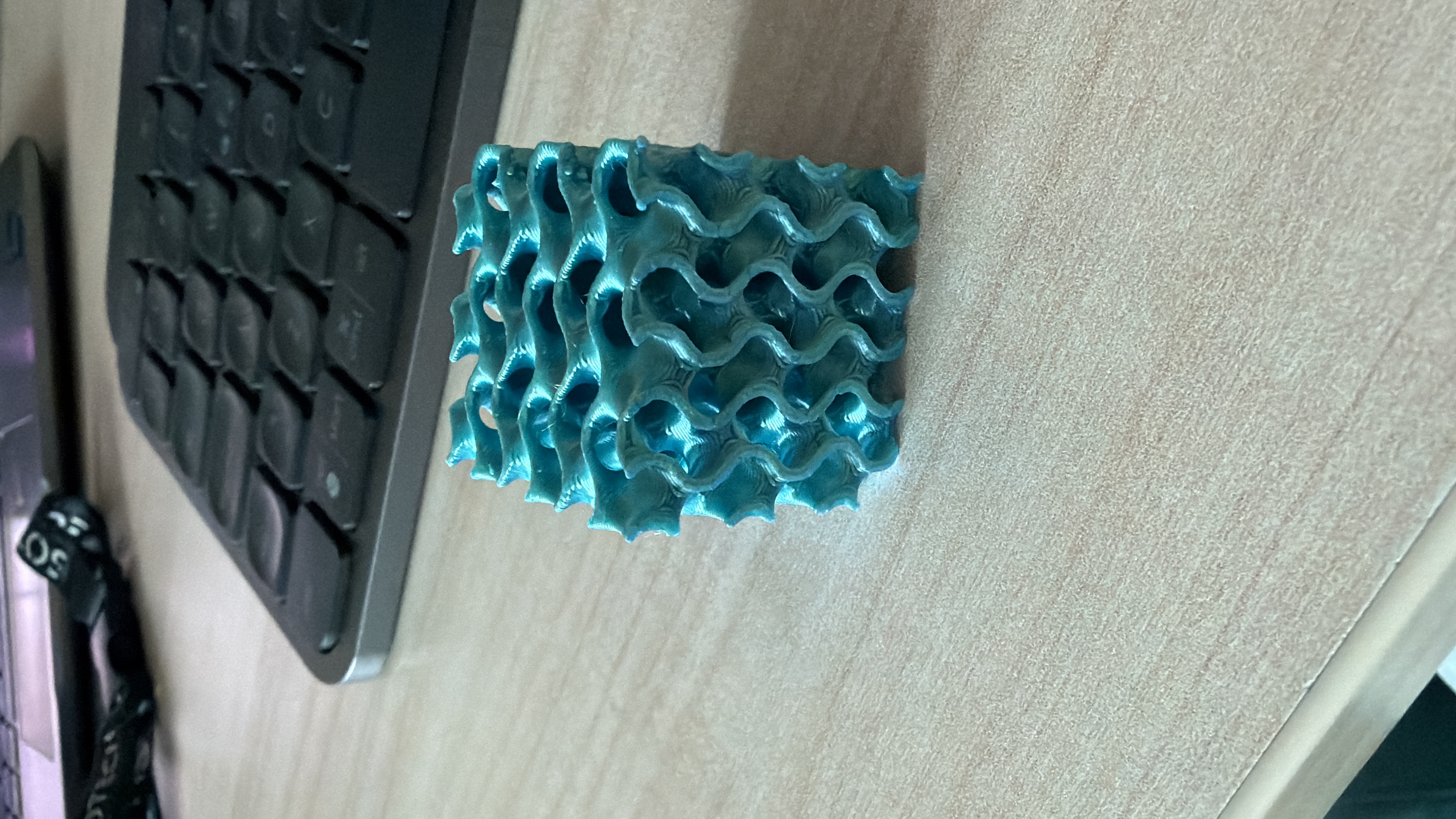
A gyroid sample sliced at ρ 0.3, printed in PLA on a Bambu Lab — the same surface as the viewport above, this time off the nozzle.
Three surfaces
All three are triply-periodic minimal surfaces — smooth, self-supporting, with no flat internal ceilings to bridge. They differ in channel topology and stiffness-to-weight behaviour, and each ships with its own measured density calibration.
Gyroid
The all-rounder. Interconnected channels in every direction, no straight walls — isotropic and forgiving to print. The default choice for most parts.
Schwarz P
Large rounded pores along the axes. Open and permeable — favoured for flow, cooling, and filtration, and stiff along its principal directions.
Diamond
The densest network of the three. Excellent stiffness and energy absorption for its weight, at the cost of finer, more demanding walls.
Parameters, explained
Not just what each control does, but why it matters and how it changes the result. The dialog is the same for all three surfaces.
Requirements & install
What you need
- FreeCAD 1.0+ — uses its bundled Python, PySide and Mesh/Part modules.
- numpy — ships with FreeCAD.
- scipy — optional; enables an exact distance field, with a built-in fallback if absent.
- Nothing else. FEM writers are internal.
Install
Download the LatticeFree folder from GitHub and copy the LatticeFree folder into your FreeCAD Mod directory, then restart FreeCAD.
macOS · ~/Library/Application Support/FreeCAD/v1-1/Mod/ Windows · %APPDATA%\FreeCAD\Mod\ Linux · ~/.local/share/FreeCAD/Mod/